+44 7988 882045
Support@andocaho.com

Original price was: $119.90.$25.99Current price is: $25.99.
✅ INSTANT DIGITAL DOWNLOAD
✅ LIFETIME SUPPORT

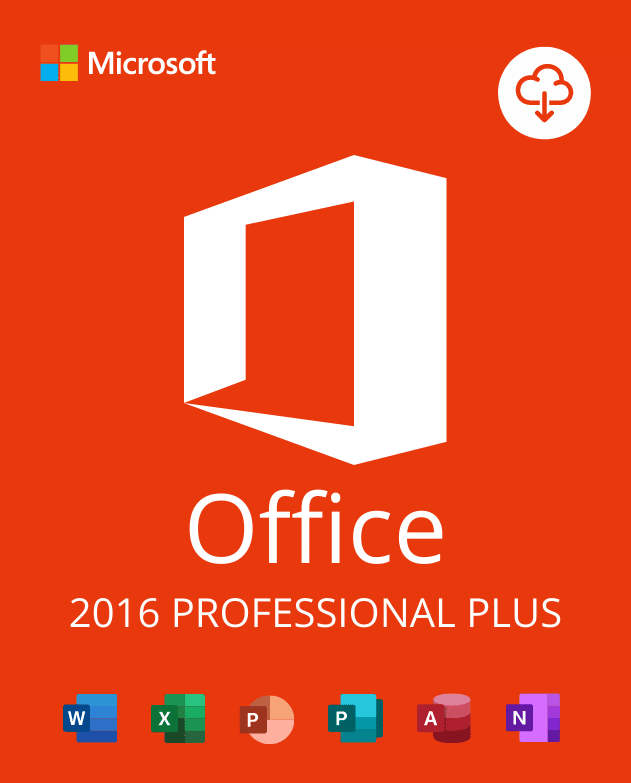
By purchasing the Office 2016 Professional Plus Activation Key (32/64 Bit), you’ll receive an original Microsoft license that can be activated directly on the official Microsoft website. Activate your key at https://setup.office.com before downloading the software to ensure a smooth installation.
Important: This version of Office 2016 Professional Plus is compatible only with Windows and not for Mac.
Office 2016 Professional Plus is a powerful, high-performance office suite designed to boost productivity for freelancers, businesses, and individuals. With advanced features like cloud storage via OneDrive, you can access and edit files from anywhere, on any device, without needing external storage devices like USBs.
This version is also optimized for touchscreen devices, allowing you to work directly with your fingers on supported screens. Enhanced graphics and intuitive layouts make it easier to find tools and features with the “Tell Me” search box. We highly recommend using antivirus software for security, which you can explore in our store.
Office 2016 Professional Plus is fully compatible with Windows 10 and Windows 11, offering a seamless experience through a matching design and interface. It’s also compatible with Windows 7 and Windows 8/8.1. Explore other Microsoft Office versions like Office 2021, Office 2019, Office 2013, and Office 2010 in our store.
With Office 2016 Professional Plus, you get a full suite of productivity tools designed to simplify your work:
Upon purchasing, you will receive your Office 2016 Professional Plus Activation Key instantly via email. This includes:
Windows Operating Systems: Windows 11 – Windows 10 – Windows 8
Microsoft Office Suites: Office 2021 – Office 2019 – Office 2016 – Office for Mac
Antivirus: Kaspersky – ESET – Avast – AVG

 English English
 Spanish
 Polish
 German



Reviews
Clear filtersThere are no reviews yet.